
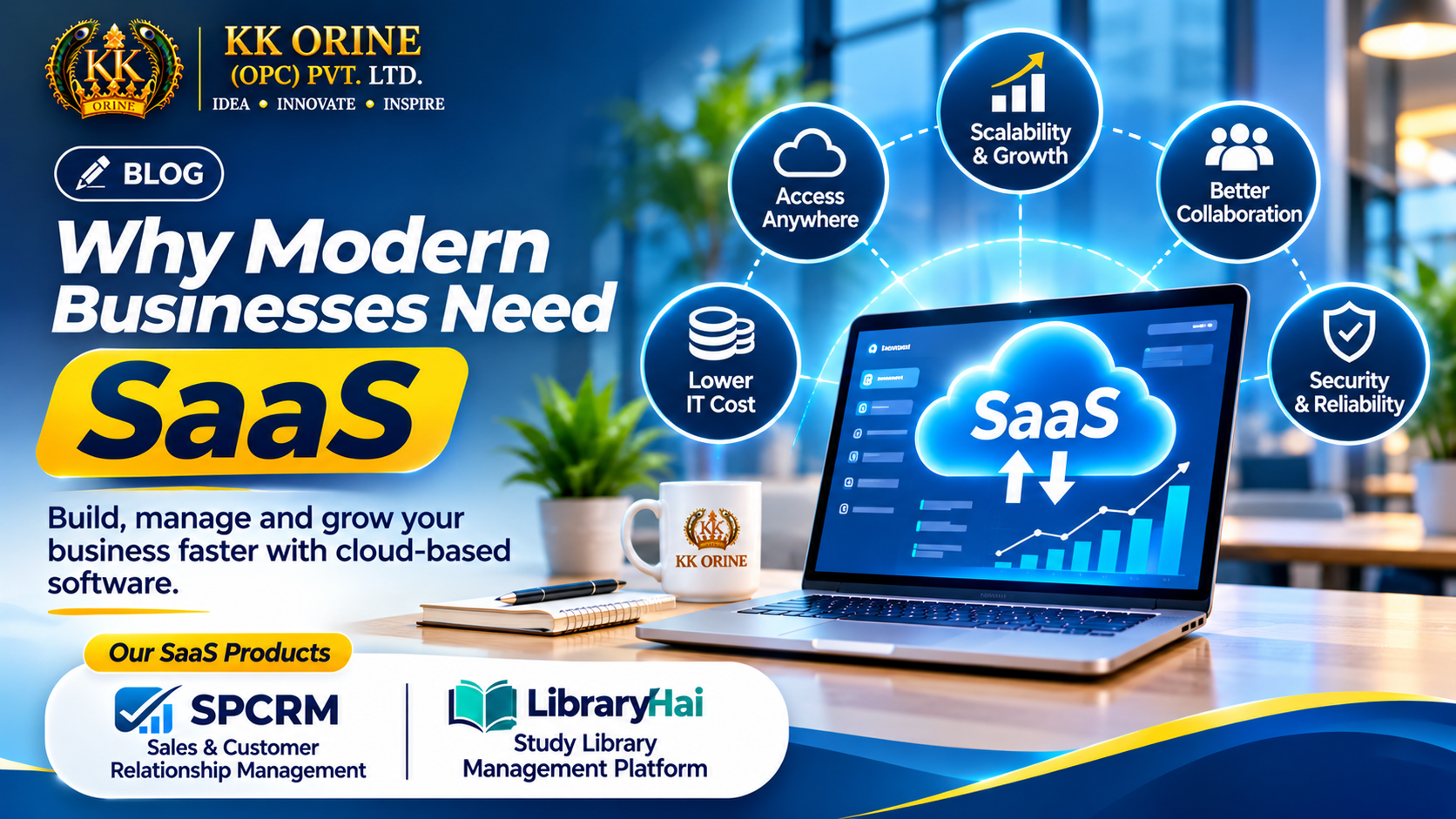
Introduction: The Way Businesses Operate Is Changing
Modern businesses operate in an environment where speed, efficiency, collaboration, and access to accurate information are increasingly important.
Whether it's a startup managing its first customers, an MSME coordinating daily operations, or an established enterprise managing multiple departments, technology plays a central role in business growth.
However, many organizations still depend on disconnected spreadsheets, manual registers, traditional desktop applications, and separate systems for different activities.
These approaches can create operational challenges as a business grows.
Customer information becomes scattered. Teams spend unnecessary time on repetitive tasks. Managers struggle to access accurate reports. Expanding operations may require additional infrastructure and administrative effort.
This is where Software as a Service (SaaS) offers a practical alternative.
SaaS enables businesses to access software applications through the internet, typically using a subscription-based model, without having to build and maintain the entire underlying infrastructure themselves.
At KK ORINE (OPC) Private Limited, we believe that technology should simplify business operations rather than make them more complicated.
In this article, we'll explore what SaaS is, why businesses are adopting it, its key benefits, potential challenges, and how SaaS platforms such as SPCRM and LibraryHai address real operational needs.
1. What Is SaaS (Software as a Service)?
Software as a Service, commonly known as SaaS, is a software delivery model in which applications are hosted and maintained by a service provider and made available to customers over a network, usually the internet.
Instead of installing and maintaining a separate software system on every computer, businesses can access SaaS applications through supported web browsers, mobile applications, or desktop clients.
Common categories of SaaS applications include:
-
Customer Relationship Management (CRM)
-
Accounting and billing software
-
Human Resource Management Systems (HRMS)
-
Project and task management
-
Inventory and warehouse management
-
Marketing automation
-
Learning management systems
-
Study library and reading room management
-
Enterprise collaboration platforms
Most SaaS products offer recurring subscriptions, although free plans, usage-based pricing, and custom enterprise contracts are also common.
The primary advantage is that organizations can focus on using the software while the provider manages much of the application infrastructure and maintenance.
2. Why Traditional Software Models Can Become Challenging
Traditional software solutions can still be appropriate for many organizations, particularly when they require specialized hardware, strict offline operation, or extensive control over their infrastructure.
However, locally installed or independently maintained systems can introduce additional responsibilities.
Infrastructure and Maintenance Costs
Businesses may need to purchase servers, maintain software installations, and manage upgrades.
Limited Remote Accessibility
Some applications are designed primarily for specific computers or internal networks, making remote collaboration more complicated.
Difficult Software Updates
Updating applications across multiple devices can require coordination and technical support.
Data Fragmentation
When different teams maintain separate systems, information can become inconsistent or difficult to consolidate.
Expansion Challenges
Adding users, branches, or business processes may require additional infrastructure and configuration.
SaaS can help reduce some of these challenges through centrally managed software delivery.
However, SaaS introduces its own considerations, including internet dependence, recurring costs, and vendor reliance.
3. Seven Benefits of SaaS for Modern Businesses
3.1 Lower Upfront Technology Investment
Traditional enterprise software deployments may require significant initial spending on infrastructure, installation, and maintenance.
Many SaaS applications provide subscription-based access, allowing businesses to start with smaller upfront commitments.
For example, a small business can adopt a CRM platform without building its own CRM infrastructure.
However, businesses should evaluate the total cost of ownership over several years, including subscriptions, integrations, migration, and additional user charges.
3.2 Scalability as the Business Grows
A startup may begin with a small team and expand to multiple departments or locations.
A suitable SaaS platform can support this growth through additional users, modules, storage, or subscription tiers.
This flexibility allows organizations to adjust software capacity according to operational requirements.
Scalability is particularly valuable when business needs change over time.
3.3 Access from Multiple Locations
Cloud-delivered applications can allow authorized employees to access business information from different locations using supported devices.
For example, a sales manager working remotely may need to review lead activity while another team member updates customer records from the office.
A SaaS CRM can provide a shared environment for these activities.
Access remains subject to internet availability, permissions, device compatibility, and security policies.
3.4 Better Team Collaboration
When employees work with disconnected spreadsheets and individual records, coordinating activities can become difficult.
SaaS applications can provide shared workflows, centralized records, and role-based access.
This helps teams work with more consistent information and reduces unnecessary duplication.
3.5 Continuous Software Updates
SaaS providers can deliver application improvements, bug fixes, and security patches through centrally managed releases.
Customers generally do not need to manually install every application update.
However, update frequency, feature availability, and compatibility vary by provider.
Businesses should also evaluate how vendors communicate significant changes.
3.6 Improved Operational Visibility
Modern SaaS applications often include dashboards, reports, and activity tracking.
These tools can help business owners and managers understand performance without manually compiling information from multiple sources.
For example, a CRM dashboard may help a sales manager review active opportunities, pending follow-ups, and pipeline progress.
Similarly, a study library management dashboard may help an operator review seat occupancy, memberships, and fee records.
3.7 Opportunities for Automation
Repetitive administrative tasks can consume significant employee time.
Depending on the application, SaaS software may support automation for activities such as reminders, task assignments, notifications, approvals, and reporting.
Automation can reduce repetitive work and improve process consistency when configured correctly.
The objective is not to eliminate human involvement but to help employees focus on higher-value activities.
4. How SaaS Supports Digital Transformation
Digital transformation involves improving business processes through the effective use of technology.
It is not simply about replacing paper records with digital files.
A meaningful transformation can include:
Centralized Information: Maintaining consistent records across relevant business functions.
Structured Workflows: Defining clear stages, responsibilities, and actions.
Data-Driven Decisions: Using operational information to evaluate performance.
Process Automation: Reducing repetitive tasks where automation is appropriate.
Scalable Operations: Building systems that can support additional users, customers, or locations.
SaaS can support these objectives by making specialized software accessible without requiring every business to develop its own platform.
However, successful digital transformation also depends on employee training, process design, management commitment, and data quality.
5. SaaS for Small Businesses and MSMEs in India
Small businesses and MSMEs often operate with limited technology budgets and lean teams.
They may need reliable business software but lack the resources to maintain complex IT infrastructure.
SaaS can offer a practical starting point.
For example, an MSME may use:
-
CRM software to organize customer enquiries.
-
Accounting software to manage financial records.
-
Inventory software to track stock.
-
HR software to organize employee information.
-
Collaboration tools to coordinate tasks.
Rather than investing in a large custom system immediately, the business can evaluate tools according to its current needs.
What Should Indian MSMEs Consider?
Before choosing SaaS software, businesses should review:
-
Pricing in INR and applicable taxes.
-
Availability of free trials or free plans.
-
Data security and access controls.
-
Customer support.
-
Ease of onboarding.
-
Integration capabilities.
-
Data export and migration options.
-
Applicable Indian regulatory requirements.
The best solution is not necessarily the one with the largest number of features.
It is the one that solves the business's actual operational problems.
6. SaaS and Customer Relationship Management: The SPCRM Example
Customer relationship management is one of the most practical applications of SaaS.
Many growing businesses receive enquiries through multiple channels, including phone calls, websites, social media, and WhatsApp.
When these enquiries are managed through separate records, sales opportunities can become difficult to track.
SPCRM, developed by KK ORINE, is designed to help businesses organize their sales operations.
Key SPCRM Capabilities
Lead Management: Maintain structured customer enquiry records.
Sales Pipeline: Track opportunities through different sales stages.
Follow-up Reminders: Organize upcoming sales activities.
WhatsApp Integration: Support customer communication workflows through available integration features.
Team Management: Coordinate sales responsibilities.
Quotations and Invoices: Manage important sales documents.
Reports and Analytics: Review sales performance and operational activity.
SPCRM also offers a free plan, allowing businesses to begin exploring CRM capabilities before selecting additional subscription features.
Explore SPCRM: https://spcrm.in
7. SaaS for Study Libraries and Reading Rooms: The LibraryHai Example
SaaS is not limited to conventional office businesses.
It can also address the operational requirements of specialized industries.
Consider a study library or reading room.
Unlike a traditional book-lending library, a study library provides dedicated study spaces where students can prepare for examinations and academic goals.
Owners must manage several activities:
-
Student registration.
-
Study seat allocation.
-
Membership plans.
-
Monthly fee records.
-
Membership renewals.
-
Attendance.
-
Study shifts.
-
Seat occupancy.
Managing these activities manually can become difficult as the number of students increases.
LibraryHai, another KK ORINE product, focuses on simplifying study library and reading room operations.
Its product direction includes structured seat management, student records, memberships, fee tracking, attendance, shifts, and operational reporting.
By bringing these activities into a dedicated platform, LibraryHai aims to help owners spend less time maintaining disconnected records.
Explore LibraryHai: https://libraryhai.in
8. SaaS Security: What Businesses Should Know
Security is an important consideration when adopting cloud-based applications.
A reputable SaaS provider may implement measures such as:
-
Encryption in transit and at rest.
-
Authentication and access controls.
-
Role-based permissions.
-
Data backups.
-
Activity logging.
-
Security monitoring.
-
Vulnerability management.
-
Disaster recovery procedures.
However, these measures should not be assumed to exist in every SaaS product.
Businesses should review the provider's documented security practices and contractual commitments.
Customers also remain responsible for appropriate user access, secure passwords, employee training, and safe data handling.
SaaS security is a shared responsibility between the provider and the customer.
9. Potential Challenges of SaaS Adoption
Although SaaS offers important advantages, businesses should understand its limitations.
Internet Dependence
Most cloud-based applications require reliable connectivity.
Recurring Subscription Costs
Subscription expenses can increase as users, storage, or feature requirements grow.
Vendor Dependence
Businesses may depend on the provider for application availability, maintenance, and ongoing support.
Data Portability
Moving information between systems can be challenging if export formats or migration options are limited.
Integration Complexity
Connecting multiple SaaS applications may require additional configuration or development.
Compliance Requirements
Organizations must evaluate whether a SaaS provider meets their applicable legal, contractual, and industry requirements.
Careful vendor selection and planning can help reduce these risks.
10. How to Choose the Right SaaS Platform
Before adopting a SaaS application, businesses should follow a structured evaluation process.
Step 1: Identify the Problem
Define the operational challenge the software must solve.
Step 2: List Essential Features
Separate mandatory requirements from optional features.
Step 3: Evaluate Usability
Check whether employees can understand and use the system effectively.
Step 4: Review Pricing
Consider subscription fees, additional user charges, integrations, and long-term costs.
Step 5: Assess Security
Review access controls, data protection practices, and recovery arrangements.
Step 6: Test the Software
Use available demonstrations or trial plans to evaluate practical workflows.
Step 7: Plan Data Migration
Determine how existing information will be imported and how it can be exported later.
Step 8: Train the Team
Provide employees with clear instructions and define responsibilities.
Step 9: Measure Results
Review whether the software improves efficiency, visibility, or other business objectives.
11. The Future of SaaS: Automation, AI and Connected Business Platforms
SaaS continues to evolve as organizations demand more connected and adaptable software.
Several technology directions are shaping the industry.
Artificial Intelligence
AI-enabled features can assist with information retrieval, data analysis, customer support, and workflow recommendations.
Workflow Automation
Businesses increasingly seek tools that reduce repetitive administrative activities.
API-Driven Integrations
APIs allow different applications to exchange information and support connected workflows.
Industry-Specific SaaS
Specialized software can address operational needs that general-purpose tools may not cover effectively.
Advanced Analytics
Reporting and analytical capabilities can help organizations understand performance and identify improvement opportunities.
Modular Platforms
Businesses can benefit from software architectures that allow functionality to expand according to changing requirements.
These developments create opportunities for SaaS providers to build more practical and flexible solutions.
12. KK ORINE: Building Software Around Real Business Problems
At KK ORINE (OPC) Private Limited, our approach to software development begins with understanding operational challenges.
We believe that useful technology should be:
-
Practical and easy to understand.
-
Designed around real user workflows.
-
Accessible to growing businesses.
-
Secure and maintainable.
-
Capable of supporting future expansion.
Our products reflect this approach.
SPCRM focuses on sales and customer relationship management.
LibraryHai focuses on study library and reading room management.
Although these products serve different markets, they share a common purpose: helping businesses organize everyday operations through digital technology.
Our broader vision is to develop software solutions that simplify work, improve visibility, and support sustainable business growth.
Conclusion: SaaS Is About Working Smarter
Modern businesses need systems that support their operations without creating unnecessary complexity.
SaaS provides an alternative to building and maintaining every software application internally.
Through cloud-based delivery, structured workflows, collaboration features, and opportunities for automation, SaaS can help organizations become more efficient and adaptable.
However, successful adoption requires choosing suitable products, understanding costs, protecting business data, and preparing employees for new workflows.
At KK ORINE, we believe the future of business software should be practical, accessible, and focused on solving real problems.
Build Smarter. Scale Faster. Grow with SaaS.
Explore Our SaaS Solutions
SPCRM — Sales & Customer Relationship Management
Organize leads, manage sales pipelines, track follow-ups, and improve sales visibility.
Website: https://spcrm.in
LibraryHai — Study Library Management Platform
Simplify the management of study seats, student memberships, fees, attendance, and reading-room operations.
Website: https://libraryhai.in
KK ORINE (OPC) Private Limited
IDEA • INNOVATE • INSPIRE
Discussion (0)
Join the technical discussion with our engineers.
Sign In to Comment →