
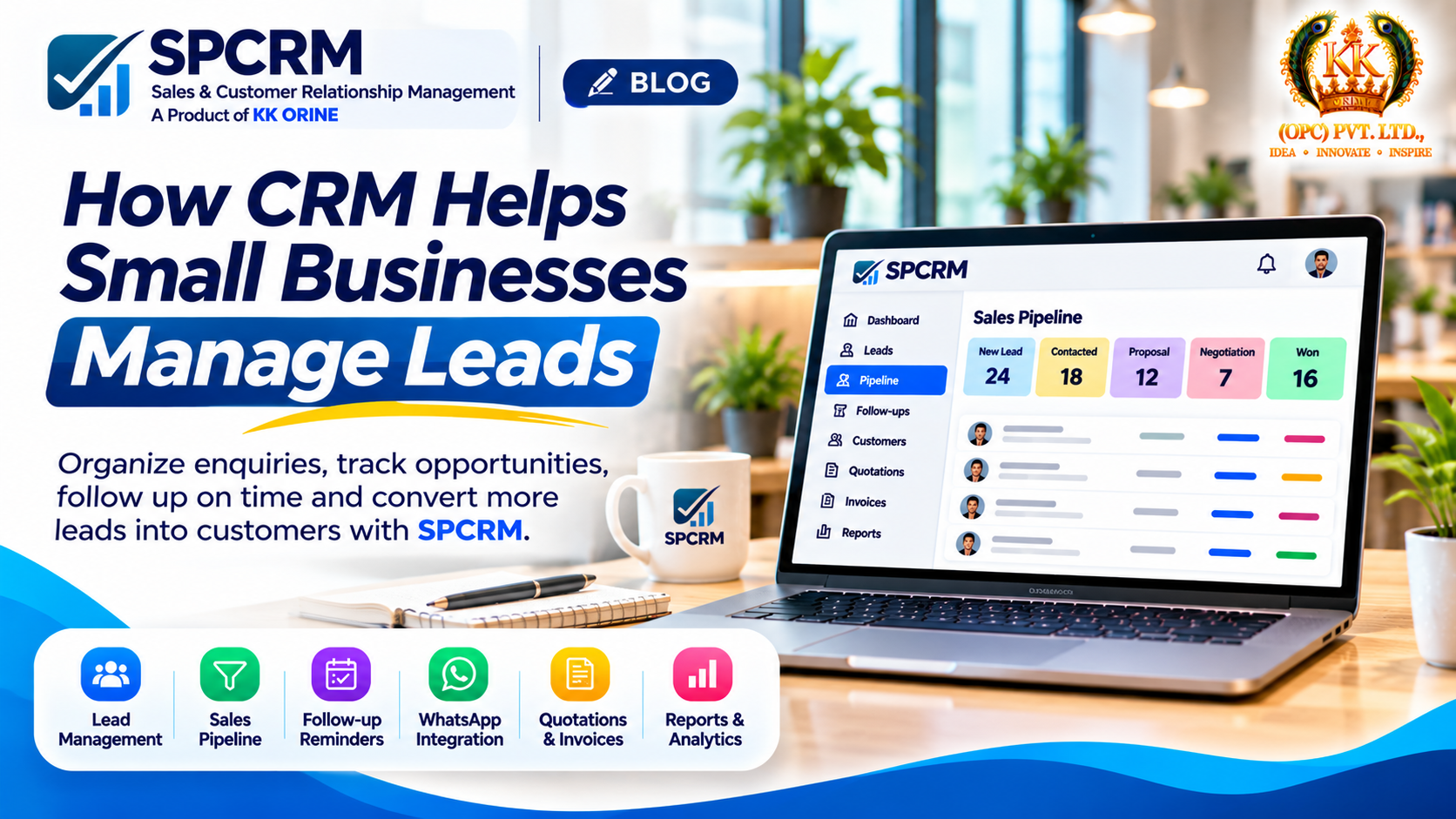
Introduction: Every Lead Matters for a Small Business
For a small business, every customer enquiry is an opportunity.
Whether someone contacts your business through WhatsApp, calls your sales team, visits your website, or reaches out through social media, that enquiry could become your next customer.
However, generating leads is only the beginning.
The real challenge is managing those enquiries effectively.
Many small businesses still rely on spreadsheets, notebooks, WhatsApp conversations, and individual employees to maintain customer information.
While these methods may work initially, they can become difficult to manage as the business grows.
Leads may be forgotten, follow-ups may be delayed, and sales teams may struggle to understand which opportunities require attention.
This is where Customer Relationship Management (CRM) software can help.
In this article, we'll explore how CRM helps small businesses manage leads, organize sales pipelines, improve follow-ups, and build a more consistent sales process.
1. What Is CRM Software?
CRM stands for Customer Relationship Management.
CRM software is a digital platform that helps businesses organize customer information, manage sales activities, and track interactions with prospects and existing customers.
Instead of maintaining scattered customer records, a CRM system provides a structured place to manage sales-related information.
A typical CRM platform may include:
-
Lead and contact management.
-
Sales pipeline tracking.
-
Follow-up reminders.
-
Sales team coordination.
-
Customer interaction records.
-
Quotations and invoices.
-
Reports and analytics.
For small businesses, CRM software can help create a more organized approach to sales without depending entirely on manual recordkeeping.
2. Why Small Businesses Struggle with Lead Management
Customer Information Is Scattered
Imagine a business receiving enquiries through phone calls, WhatsApp, website forms, and social media.
Without a centralized system, customer details may be stored across multiple devices and applications.
This makes it difficult to maintain a complete view of each opportunity.
Follow-ups Are Easily Missed
A potential customer may not be ready to purchase immediately.
They might request a quotation, ask for additional details, or plan to make a decision next week.
Without a reminder or structured follow-up process, the sales team may forget to reconnect.
Sales Opportunities Lack Visibility
Business owners often need answers to important questions:
-
How many active leads do we have?
-
Which leads require follow-up?
-
How many quotations are pending?
-
Which deals are close to conversion?
-
What is our sales team working on?
When information is scattered, answering these questions becomes difficult.
Team Coordination Becomes Complicated
As a business hires more salespeople, managing leads through individual spreadsheets or personal messages becomes increasingly challenging.
Clear lead ownership and shared records become important.
3. How CRM Software Helps Organize Leads
One of the most important benefits of CRM software is centralized lead management.
Instead of keeping information in multiple locations, businesses can maintain structured lead records.
A lead record may contain:
-
Customer name.
-
Contact information.
-
Company or business details.
-
Product or service interest.
-
Lead source.
-
Assigned salesperson.
-
Current sales stage.
-
Follow-up date.
-
Notes and interaction history.
This information can help sales teams understand the status of each opportunity.
For example, if a customer enquires about a service today but wants a quotation tomorrow, the salesperson can record the requirement and schedule the next action.
A structured CRM process makes it easier to maintain continuity.
4. Understanding the Sales Pipeline
A sales pipeline represents the stages an opportunity moves through before a purchase decision.
A simple small-business sales pipeline might look like this:
New Lead → Contacted → Qualified → Quotation Sent → Negotiation → Won or Lost
Each stage represents a different point in the sales process.
New Lead
A potential customer has contacted the business.
Contacted
A salesperson has initiated communication.
Qualified
The business has determined that the prospect may be a suitable customer.
Quotation Sent
Pricing or a formal proposal has been shared.
Negotiation
The customer is reviewing terms, pricing, or requirements.
Won or Lost
The opportunity has either converted into a sale or closed without a purchase.
Using a CRM pipeline helps businesses understand where each opportunity stands and which actions are required next.
5. Why Follow-up Management Is Essential
Not every customer purchases during the first interaction.
Some prospects need time to compare options, discuss requirements, or obtain internal approval.
Follow-up management helps businesses maintain communication throughout this process.
For example:
A potential customer requests a quotation on Monday.
The salesperson sends the quotation and schedules a follow-up for Thursday.
On Thursday, the CRM reminder helps the salesperson remember to contact the prospect.
The salesperson can then record the response and schedule the next action if needed.
This structured approach reduces dependence on memory and individual notes.
Consistent follow-ups do not guarantee conversions, but they can help prevent opportunities from being overlooked.
6. Managing WhatsApp Enquiries with CRM
WhatsApp is an important customer communication channel for many Indian businesses.
Customers often use it to ask about products, request quotations, and discuss purchases.
However, managing business enquiries entirely through chat conversations can become difficult.
For example, a salesperson may receive several enquiries in a day but struggle to remember which conversations require follow-up.
CRM software can help by maintaining lead records, tracking sales stages, and organizing follow-up activities.
Depending on the CRM's integration capabilities, WhatsApp-related workflows may also support communication and lead management.
The exact functionality depends on the integration and applicable WhatsApp platform requirements.
The important principle is to ensure that customer conversations lead to organized sales activities rather than disappearing into chat history.
7. How CRM Improves Sales Team Coordination
When multiple employees manage customer enquiries, businesses need clear responsibilities.
A CRM system can help teams maintain shared information and assign leads to specific salespeople.
This can support:
-
Clearer lead ownership.
-
More consistent follow-up processes.
-
Better visibility into sales activities.
-
Easier collaboration between team members.
-
More organized reporting.
For business owners and managers, this means they can review sales progress without relying entirely on verbal updates.
8. CRM Reports and Analytics for Small Businesses
Sales reporting helps business owners understand how their sales processes are performing.
Some useful metrics include:
Number of New Leads
The total number of enquiries received during a specific period.
Lead Conversion Rate
The percentage of leads that become customers.
Lead Conversion Rate = (Converted Leads ÷ Total Leads) × 100
For example, if a business receives 100 leads and converts 15 into customers, its conversion rate is 15%.
Pending Follow-ups
The number of leads requiring additional communication.
Sales Pipeline Value
The total potential value of open sales opportunities.
Lead Source Performance
A comparison of enquiries generated through different marketing channels.
Sales Team Activity
Information about assigned leads, follow-up activities, and opportunity progress.
These metrics can help businesses identify operational issues and make more informed decisions.
9. Excel vs CRM: When Should a Business Upgrade?
Spreadsheets can be useful when a business has very few leads and a simple sales process.
However, their limitations become more apparent as operations grow.
| Activity | Spreadsheets | CRM Software |
|---|---|---|
| Customer records | Manual entry | Structured lead profiles |
| Sales stages | Manual updates | Pipeline tracking |
| Follow-ups | Separate reminders | Integrated follow-up workflows |
| Team coordination | Shared files | Assigned leads and team visibility |
| Reporting | Manual formulas | Built-in reports where supported |
| Sales history | Scattered notes | Organized opportunity records |
A business may benefit from adopting CRM software when it starts missing follow-ups, handling more enquiries, or coordinating multiple salespeople.
10. Introducing SPCRM: A CRM Platform for Growing Businesses
At KK ORINE (OPC) Private Limited, we believe small businesses should have access to practical software that helps them organize their operations.
With this vision, we developed SPCRM, a customer relationship management platform for startups, MSMEs, and growing businesses.
SPCRM brings important sales management capabilities into one platform.
Key SPCRM Features
Lead Management
Maintain organized lead records and track customer enquiries.
Sales Pipeline
Track opportunities through different stages of the sales process.
Follow-up Reminders
Organize upcoming sales activities and reduce missed follow-ups.
WhatsApp Integration
Support customer communication workflows through available integration features.
Team Management
Coordinate sales activities across team members.
Quotations and Invoices
Manage important sales documents in a structured way.
Reports and Analytics
Review sales performance and operational information.
Start with the SPCRM Free Plan
SPCRM offers a free plan, making it easier for businesses to explore CRM software before deciding whether additional subscription features are required.
Explore SPCRM: https://spcrm.in
11. How to Start Using CRM in Your Small Business
Adopting CRM software does not need to be complicated.
Start with a practical process.
Step 1: Identify Your Lead Sources
List the channels through which customers contact your business.
These may include phone calls, WhatsApp, website enquiries, social media, and referrals.
Step 2: Organize Existing Lead Records
Collect relevant customer information and remove unnecessary duplicates.
Step 3: Define Your Sales Pipeline
Create stages that match how your business actually sells products or services.
Step 4: Assign Responsibilities
Ensure every active lead has a clear owner.
Step 5: Schedule Follow-ups
Set a next action and follow-up date for opportunities that require additional communication.
Step 6: Review Your Pipeline Regularly
Check open opportunities, overdue follow-ups, and sales progress.
Step 7: Measure Results
Monitor lead conversion, response times, and other relevant performance indicators.
A CRM works best when the team maintains accurate information and uses it consistently.
12. Common CRM Mistakes Small Businesses Should Avoid
Even good software cannot fix an unclear sales process on its own.
Avoid these common mistakes:
-
Creating lead records without updating their status.
-
Leaving leads unassigned.
-
Failing to schedule next actions.
-
Maintaining duplicate customer information.
-
Using too many unnecessary sales stages.
-
Ignoring reporting and analytics.
-
Failing to train employees on the workflow.
A simple, consistent CRM process is often more useful than a complicated system that employees rarely use.
Conclusion: Stop Losing Leads and Start Building a Better Sales Process
For small businesses, growth depends not only on attracting potential customers but also on managing those opportunities effectively.
Scattered customer records, missed follow-ups, and unclear sales pipelines can make sales operations unnecessarily difficult.
CRM software provides a structured approach to organizing leads, coordinating teams, and tracking sales progress.
With SPCRM, KK ORINE aims to make essential sales management capabilities accessible to businesses that want to work more efficiently.
Stop Losing Leads. Start Closing Deals.
🚀 Start your CRM journey with SPCRM.
💙 Free Plan Available
🌐 Visit: https://spcrm.in
SPCRM — Turn Your Enquiries into Growth!
Developed by KK ORINE (OPC) Private Limited
IDEA • INNOVATE • INSPIRE
Discussion (0)
Join the technical discussion with our engineers.
Sign In to Comment →